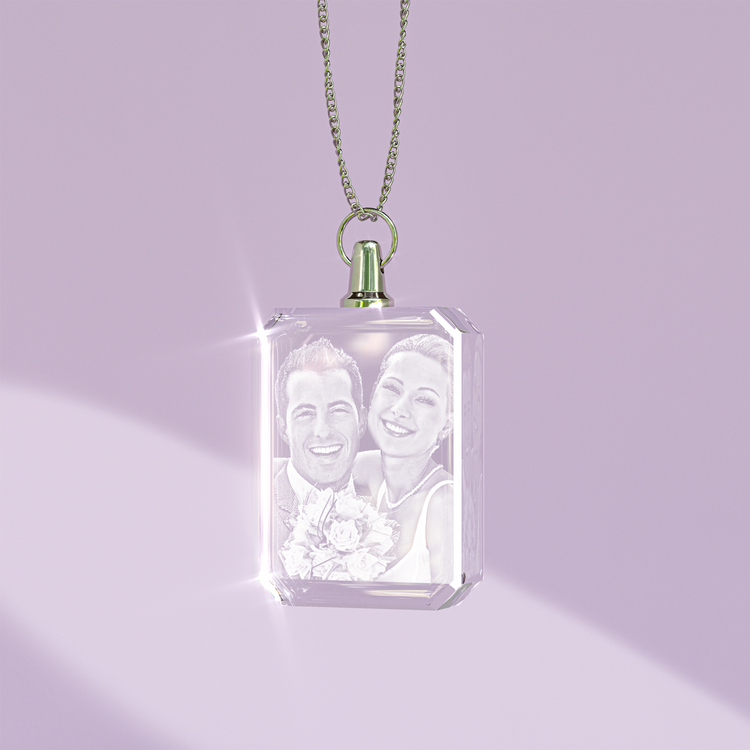
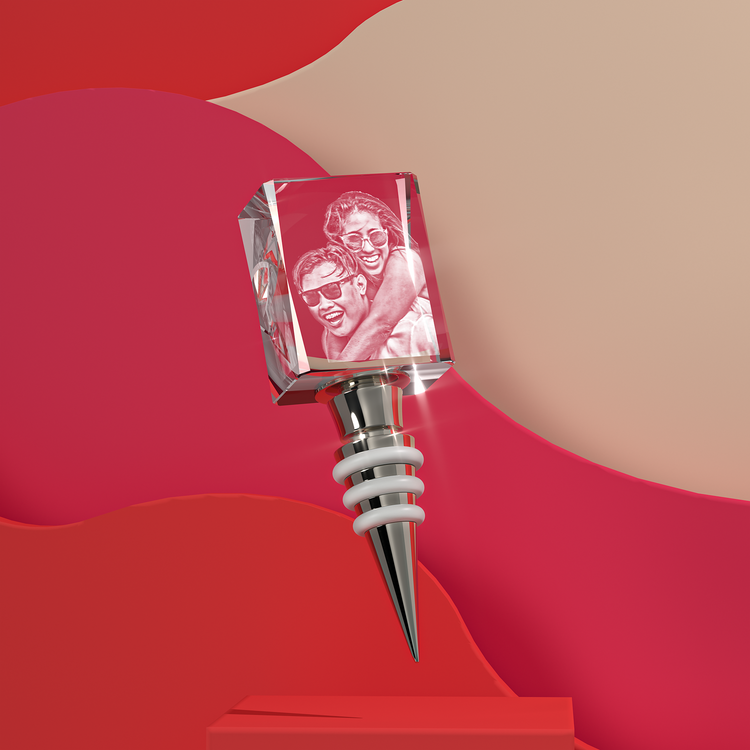
Preview a CCM photo crystal in ChatGPT or Claude
Use CCM Crystal Preview to choose a photo crystal, prepare your photo and inspect a 3D preview. You review your design and complete checkout on the Crystal Clear Memories website. The preview is separate from the production proof you can request with your order.
This is a custom connection. CCM Crystal Preview is not yet published in the ChatGPT or Claude directory. The steps below let you connect directly where your assistant account and workspace allow custom connections.
Connect in ChatGPT
- Open ChatGPT Plugins. Select the plus button, then Add custom MCP server. If you do not see that option, your account or workspace may not allow custom connections.
- Enter CCM Crystal Preview as the name and Prepare and inspect a personalized photo crystal as the description.
- Enter this public server URL:
https://canopy.crystalclearmemories.com/agentic-preview/mcp.
- Choose No authentication. Read the connection warning and confirm if you want to connect. This preview does not require your CCM password or an API key.
- Select Create as a plugin, then review and install the resulting connection. Start a new chat, type @ and select CCM Crystal Preview.
Connect in Claude
- Open Customize → Connectors, choose + Add → Add custom connector and enter CCM Crystal Preview as the name. If you use a team or enterprise workspace, your organization owner may need to add it first.
- Enter
https://canopy.crystalclearmemories.com/agentic-preview/mcp, then choose Continue.
- Review the detected authentication and choose No sign in. No CCM API key or OAuth credential is needed. Select Add to finish.
- In a new chat, use the plus menu to enable the connector for that conversation.
Prepare your crystal
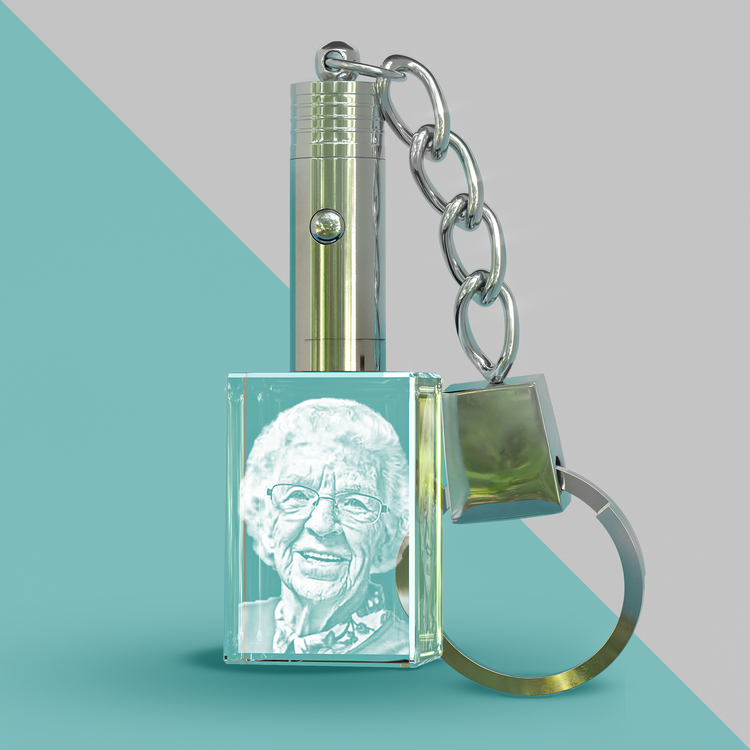
Start with: Show me the available CCM crystal shapes and sizes. Choose a crystal, then ask your assistant to prepare its preview.
Select your photo in the preview’s photo picker or open the private preparation link your assistant returns. Drafts show a labeled sample until you upload a photo. On compatible hosts, you can inspect the crystal in an interactive viewer. If that viewer does not open, use the preparation link.
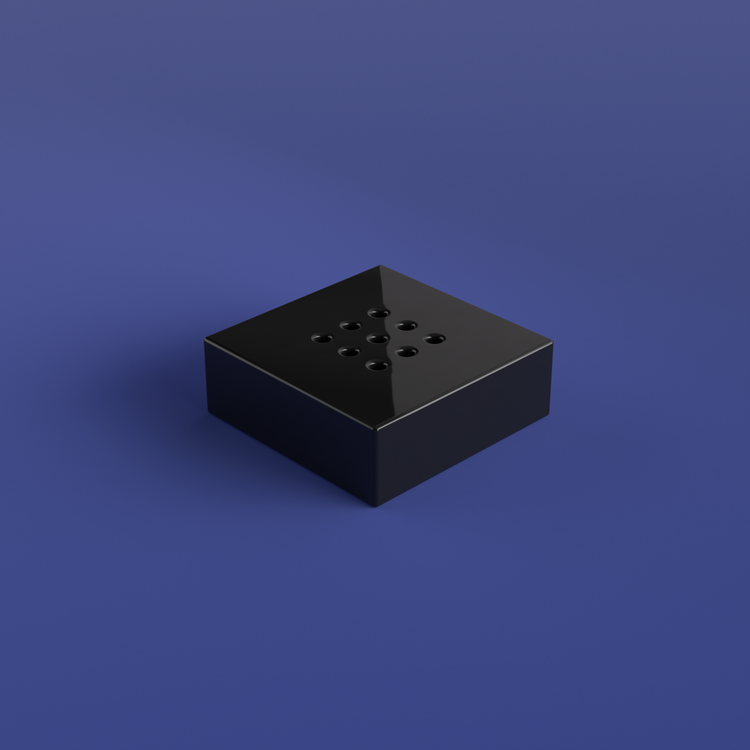
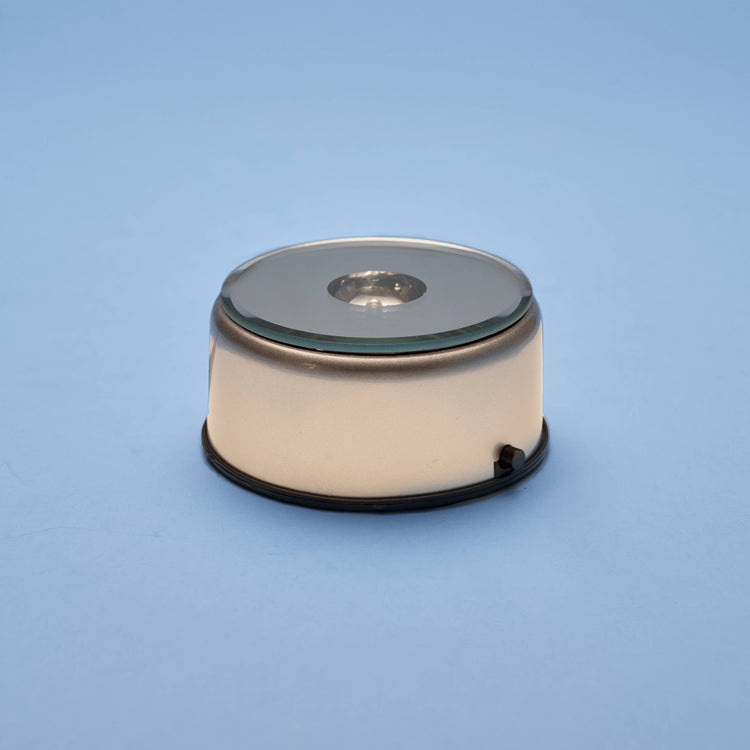
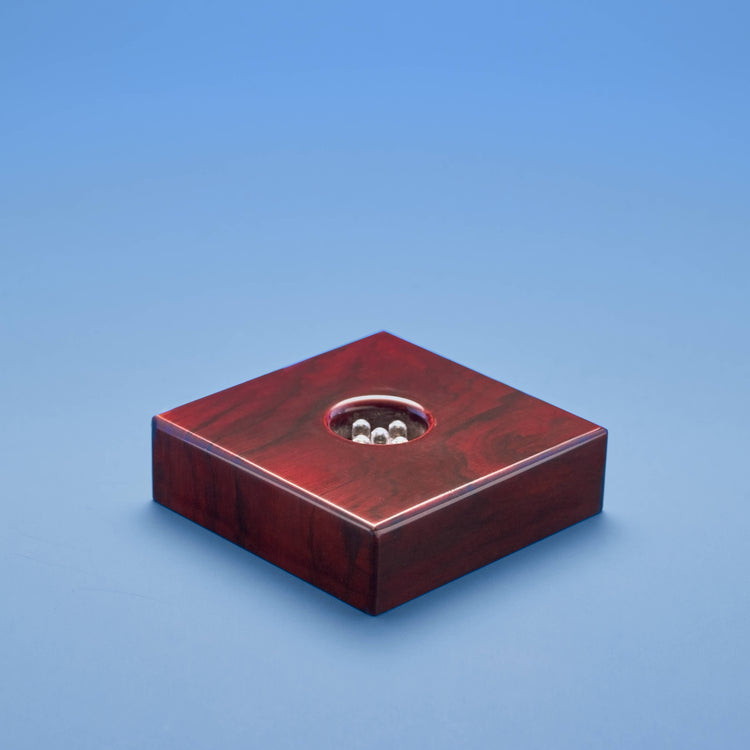
You can change supported crystal sizes, compatible light bases and engraving details. When you continue to CCM, follow the preparation page’s instructions and review your photo, text, base and proof preference before adding the crystal to your cart.
To buy first and choose your photo later, ask: Help me choose a crystal and upload my photo after purchase. Usable artwork is required before production, so adding your photo later may delay shipping.
Your photo and checkout
You choose whether to upload a photo. Upload only a photo you have permission to use; do not paste a public family-photo link into chat. Your private preview link expires after 24 hours. Anyone holding it can access the preview until then, so keep it private. Link expiry is separate from artwork storage.
Read the preview privacy policy, store privacy policy and terms before uploading. The preview cannot look up orders, access your contacts or take payments.
Prices, availability, shipping and order details are confirmed on the CCM storefront. CCM currently ships within the United States. A preview or purchase link does not place an order.
For help connecting or preparing a preview, contact CCM support or email support@crystalclearmemories.com.

 Personalized crystals